
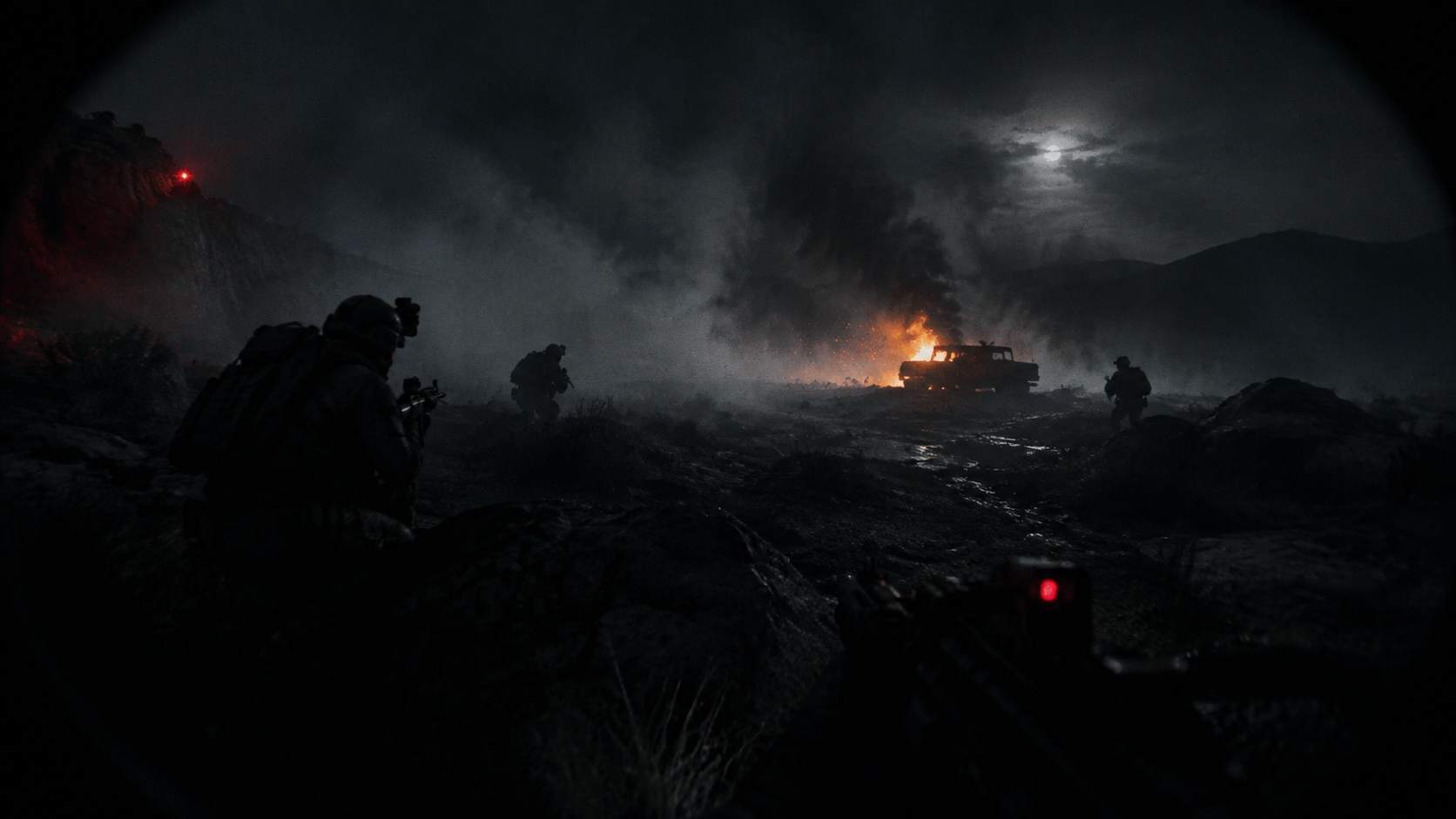
Bodycam on an RTX 5090 at 4K: What This Video Proves
GTX 1050 Ti recorded Bodycam at 4K max settings with DLAA on an RTX 5090 and 9800X3D. Here is what the footage shows, and what v0.8 and players report.

Start with the conclusion. This 26-minute-39-second video is useful for seeing what max settings actually enable. It is not useful for judging how many frames an RTX 5090 gets, because the description has no readable frame rate or frame time.
Only two sources of performance data are checkable: the official v0.8 changes and player reports. Both are below.
What the recording actually contains
The video was published on September 15, 2026, under the title “Bodycam: RTX 5090 | 4K MAX SETTINGS + DLAA”, and runs 26 minutes 39 seconds.
The description is specific: 4K (3840x2160), maximum settings, DLAA, recorded with NVIDIA ShadowPlay and monitored with MSI Afterburner. The machine is a Ryzen 7 9800X3D with a ROG Astral RTX 5090 32GB GDDR7 OC, 32GB DDR5-5600 and Windows 11 Pro.
The chapters confirm it is a visual showcase, not a benchmark:
- 00:00 Settings. This is the most informative part, because it shows what max settings turn on.
- 00:05 and 05:35 two ordinary multiplayer matches.
- 15:45 a weapon build, which is gameplay.
- 16:37 a third match.
One warning: DLAA and DLSS are not the same thing. DLAA antialiases at native resolution without upscaling, which is heavier on the GPU. Switch to DLSS or frame generation and the frame rate changes a lot. Many “4K max settings” videos quietly use upscaling, so check before comparing.
What it proves and what it does not
It proves: what top settings look like, which options exist, that DLAA is present in Bodycam, and that 5090-class hardware can hold a playable 4K match.
It does not prove: frame rate, frame time, 1% lows, or what your own machine will do. Three reasons. There is no readable frame counter; ShadowPlay recording means the image is encoded; and both gameplay sections are ordinary matches, not a repeatable benchmark scene.
So this page will not print a “5090 gets X frames” number.
What v0.8 changed for performance
The official v0.8 announcement and patch notes list these graphics and frame-rate changes:
- Support for DLSS 4.5, FSR 4 and XeSS 3 upscaling, plus the latest DLSS and FSR frame generation. Patch V0.8 #1 on September 3 added a “DLSS Multi Frame Generation” setting.
- A new Lighting & Weather Scenario system replaces the old dynamic time of day. In the studio’s own words, removing constant shadow recalculation from dynamic time delivered “significant performance gains”. Weather and lighting now roll per match, weighted, instead of time running continuously.
- Better rendering through optics. V0.8 #1 lists improved scope capture performance, optimization and visual stability, plus better Lumen scalability in scope views.
- A large amount of gameplay logic moved from Blueprints to C++, to lower CPU cost. The studio also added a crash reporter and optimized network calls, and repeats that multiplayer is peer-to-peer.
So v0.8 is not only new content. It did touch the foundation. But “there was an optimization pass” does not mean every machine runs smoothly. Player reports follow.
What players measured themselves
- An r/BodycamGame thread is literally titled “This game runs so much better”. Several players say frame rates improved clearly after v0.8, and one claims “at least 20 fps more on all maps”. The same thread notes a one-to-two-second asset-loading hitch at the start of matches, worst the first time a map loads.
- Others in that thread question what “Max Settings” means. Upscaling, frame generation and resolution change the result completely. One player reports a 5080 at 1440p, DLAA, no upscaling, swinging between 60 and 100+ fps.
- In another thread, a 5070 Ti and i7-14700KF player dropped from a stable 90+ fps to around 60. Even upper-mid hardware can regress.
- Some players cannot fix input latency and consider refunding. Replies generally say a small studio will prioritize optimization later and lean on frame generation. That is player opinion, not official policy.
If you want to know whether your machine can run it, do not watch someone else’s 5090 footage. Work through your own setup in order.
Test your own machine in this order
Fix three variables first: resolution, upscaling and frame generation. Two setups both called “4K max settings” can differ several-fold in load if one uses DLSS Performance with frame generation and the other uses native DLAA.
Lock those three down before talking about frame rates. The individual options are covered in best settings. 2. Repeat the same map and route. Bodycam map load varies a lot, and open Trenches is nothing like a tight indoor map. The asset-loading hitch in the first seconds is normal. Do not average it into your result. 3. Leave CPU headroom. Multiplayer is peer-to-peer and much of the logic just moved to C++, so CPU and network both affect the feel. A strong GPU with a weak CPU can still stutter or lag on input. For official requirements, see release and platforms. 4.
Only then work through the community checklist. A developer reply on the Steam forums lists this order: lower resolution and graphics, set TAA high, use DLSS/FSR, use frame generation if needed; add
-dx11to launch options; clean-install drivers with DDU; delete the%localappdata%\Bodycam\cache; disable overlays such as Nvidia’s (players report 20-25 fps gains); disable fullscreen optimizations; RTX 40-series cards can try Smooth Motion.
Results vary, so write down your old settings first.
What the press says about performance
In its February 2026 review, boilingsteam said that even on two powerful desktops it would not call the frame rate satisfactory, and wanted stable 60 fps without FSR, warning Nvidia-plus-Wayland Linux players to check ProtonDB first. That review predates v0.8 and describes the pre-update state.
Gaming Age scored the technical side 10/10 on September 11, 2026, which suggests reviewers accept the post-update technical quality, though it gave content only 6/10.
Do not turn this video into a conclusion
Three reminders. The recording has no readable frame counter, so it cannot support a performance or hardware-requirement claim. Asset-loading hitches, input latency and disconnects are mostly player reports, and this page labels them as such. Views, likes and comments are a September 16, 2026 snapshot.
For everything outside graphics, see weapons and loadouts and game modes.
Related Articles
guides
Bodycam Beginner Guide
A practical first-session route through Bodycam’s camera view, game systems, shooting range, and first match.
guides
Bodycam Best Settings
Tune Bodycam for readable dark scenes, stable frame times, and lower input delay without copying a one-size-fits-all preset.
reviews
Bodycam CQB Guide: M4 Builds, Voice Chat and Flanking
MxgicFPS spent 15 minutes clearing rooms in Bodycam. Here is what the footage, its transcript and its comments actually teach about close-quarters combat.